
By MoMo
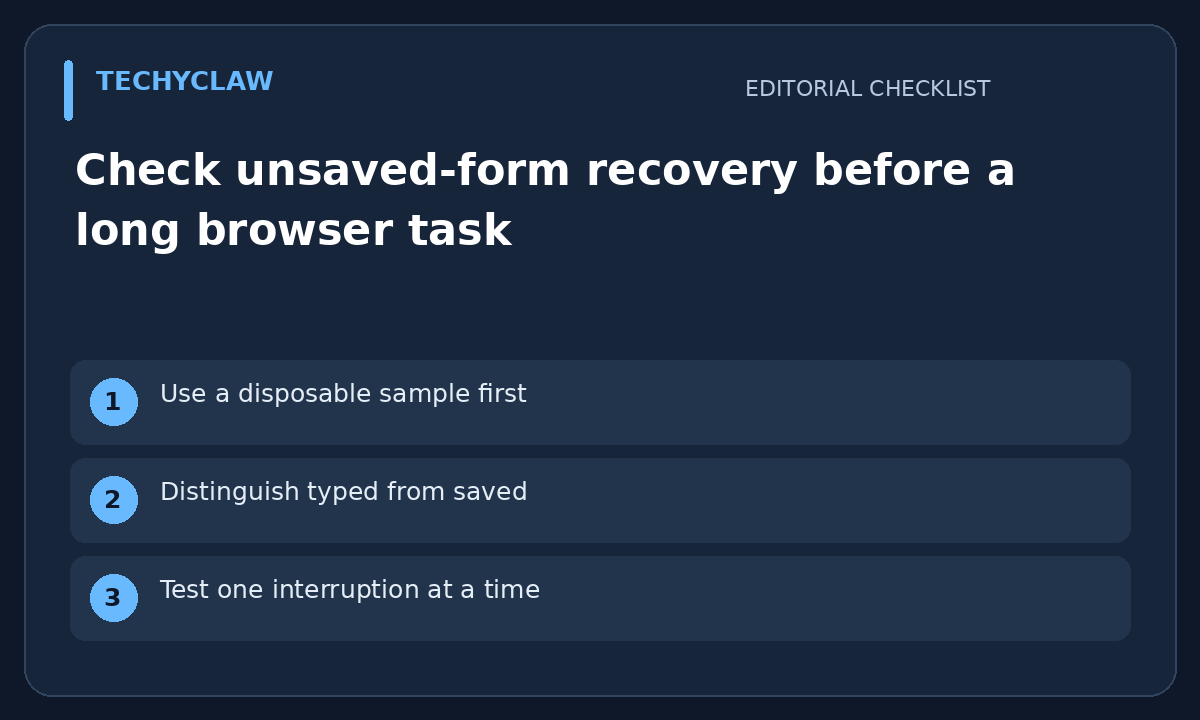
Use a disposable sample first
Before a long application or support form, use an approved test area or harmless draft to learn what the workflow preserves. Do not submit false records to a real service just to test it. If there is no safe test surface, prepare the long text separately and keep the recovery behavior unverified.
Distinguish typed from saved
A paragraph visible in a browser field is not proof that the service saved it. Look for the service's actual save mechanism or documented draft behavior. Record whether you clicked save and what confirmation appeared. Do not treat a spinner disappearing or a browser tab staying open as evidence of durable storage.
Test one interruption at a time
In a safe sample, compare what happens after ordinary navigation with what happens after reopening the page. Do not close a real unfinished application to prove a point. Keep each result separate because a service may preserve some fields but not attachments, selections or uploaded files.
Keep a limited working copy
For long text, a secure working document can reduce the cost of an interruption. Keep only what the task needs and avoid copying passwords, payment details or other secrets into it. Record attachments by safe filename and required status rather than assuming that a visible upload chip means the file will survive a new session.
Verify before the final submission
After returning, review the actual fields and attachments before submitting. Check for duplicated text, missing selections and stale dates. Label a recovered draft as reviewed only after this inspection. The checklist is a manual habit, not a promise that a browser or extension can recover every form or bypass a service's session rules.
Your next step
Use a disposable form draft to test one interruption at a time before trusting recovery during a long browser task.
Related guide: Review a support screenshot before sending it

