
By MoMo
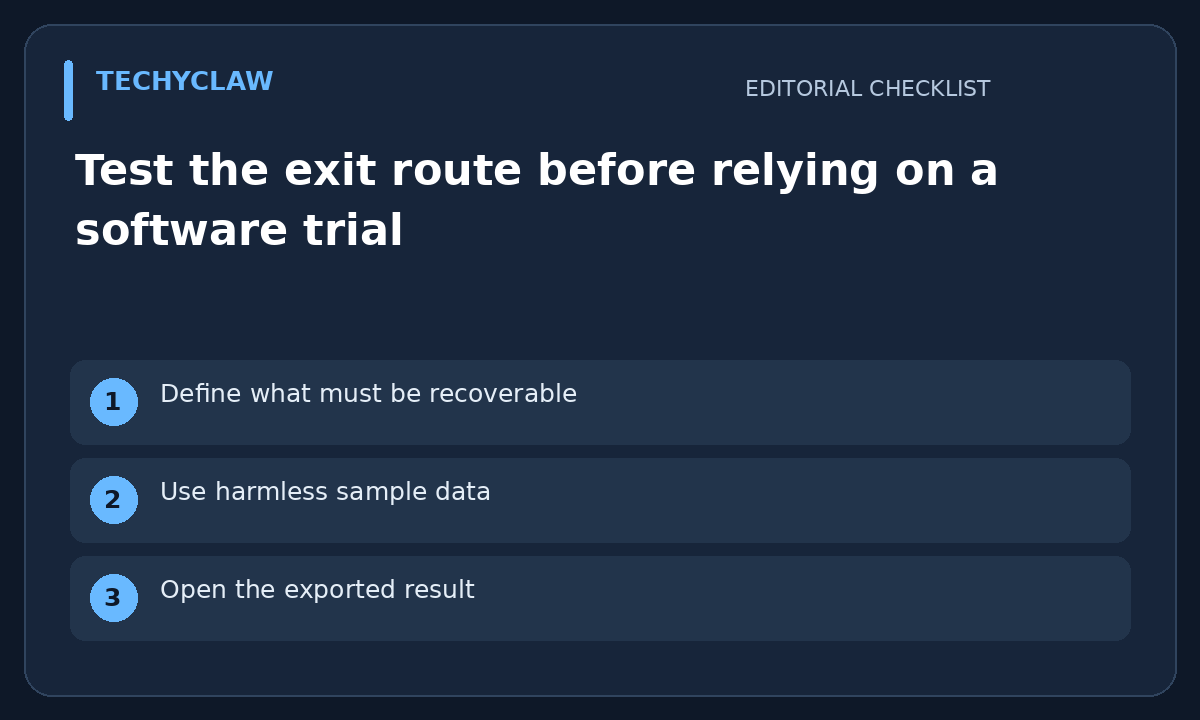
Define what must be recoverable
Before using a trial for important work, list the content you would need if you stopped using the tool. Include original files, comments and attachments where relevant. This checklist does not assert that a specific vendor offers free exports, refunds or a particular cancellation policy.
Use harmless sample data
Create a small fictional project with one attachment and one note. Test the supported export route without importing customer data first. A sample lets you inspect the output format and missing pieces without creating a larger cleanup task if the export does not meet your needs.
Open the exported result
Do not count an export as successful because a download button responded. Open the actual file in the intended replacement workflow. Compare the sample text, attachment and any labels you need. Preserve the distinction between data present and data still usable in another tool.
Read current account conditions
Check the vendor’s current trial end date, export limits and cancellation route in the actual account. If a paid step is required, stop and get the owner’s decision. A useful evaluation does not turn into permission to subscribe, extend a trial or delete the original workspace.
Write a narrow verdict
Record what the sample preserved, what was missing and the date checked. A conclusion such as “text exports, attachment links need manual recovery” is more actionable than “portable”. Repeat the check after a major workflow change rather than relying indefinitely on a first-day test.
Your next step
Export a harmless sample and check what remains usable after the trial ends before relying on the software for real work.
Related guide: Inspect a software export before opening it as a spreadsheet

