
By MoMo
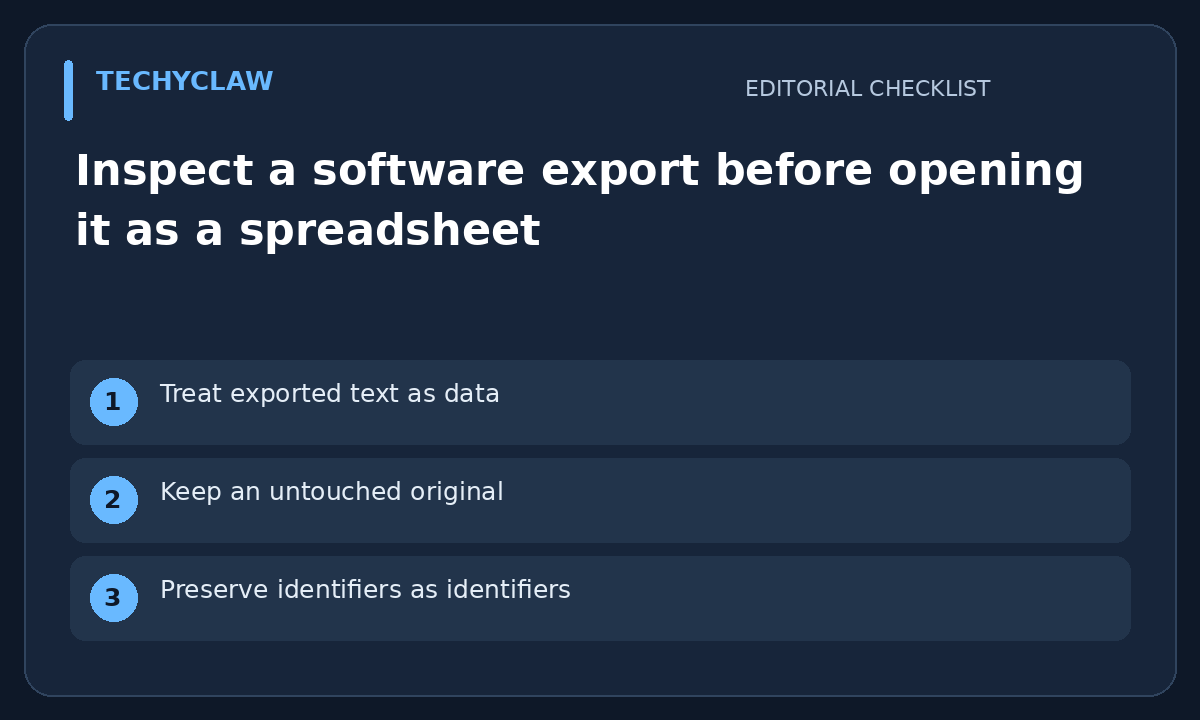
Treat exported text as data
A customer name or support message in a software export may contain characters a spreadsheet interprets as a formula. The fact that a file came from a familiar tool does not make every user-supplied cell safe. Review how your spreadsheet imports text before opening an unfamiliar CSV directly.
Keep an untouched original
Save the original export privately and work on a separate copy. Use a plain-text preview or an import workflow that lets you set column types when supported. Do not enable macros, external content or other active features merely because an instruction inside the exported data asks you to.
Preserve identifiers as identifiers
Order references, postal codes and account labels may have leading zeros or long digit sequences. Compare a small sample with the source system after import. A column that looks numeric is not necessarily a quantity to calculate. Record any transformation rather than silently replacing the exported value with a rounded display.
Test a small non-sensitive sample
Before a large migration, test a sample containing ordinary text, commas, line breaks and harmless formula-like text through the supported import controls. Compare the resulting cells with the original. This is an interoperability check, not a guarantee that one quoting trick makes every spreadsheet and export format safe.
Share the checked copy only
Remove fields the recipient does not need and confirm the final column types and values before sharing. Keep the source, export date and import method with your private review note. For a recurring workflow, use your spreadsheet vendor’s current security guidance and test again after changing the export or import tool. Reference: OWASP CSV Injection. https://owasp.org/www-community/attacks/CSV_Injection
Your next step
Inspect an export as text before opening it as a spreadsheet, and use a non-sensitive sample to check how formula-like cells are handled.
Related guide: Test the exit route before relying on a software trial

