
By MoMo
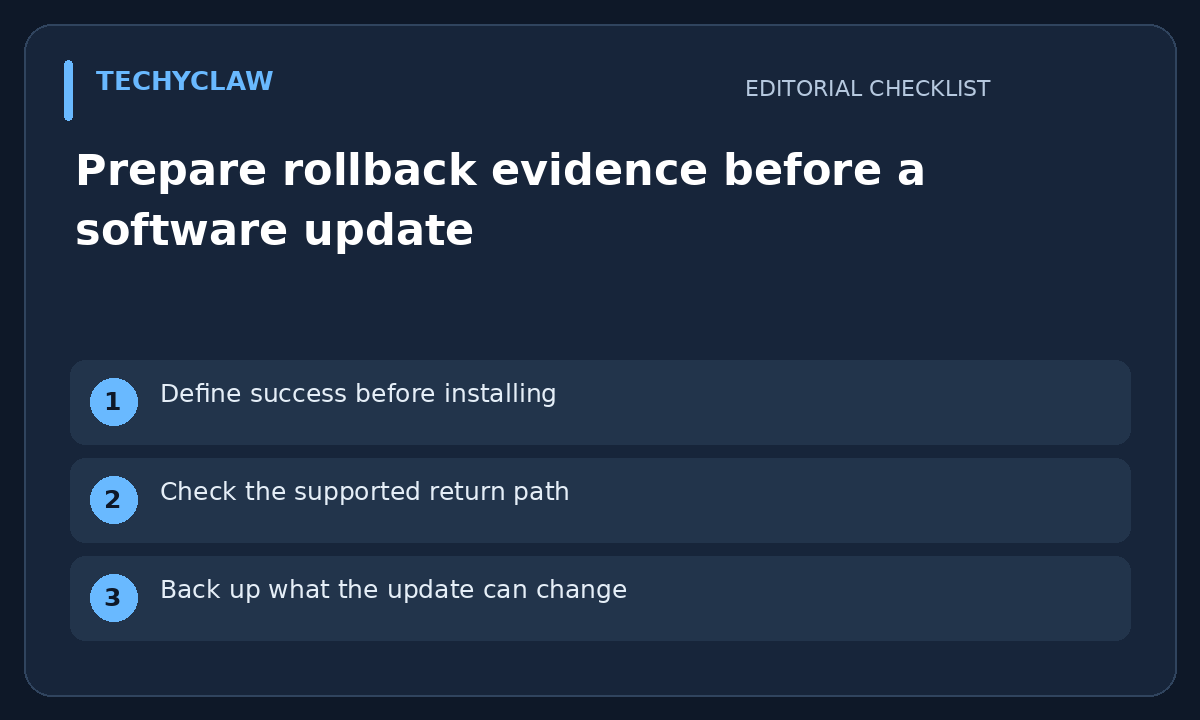
Define success before installing
An update is not successful just because the installer finishes. Write the two or three tasks the software must still perform, such as opening a project, exporting a sample or connecting to an existing device. Use a harmless test file. Record the current version and settings so the comparison has a baseline.
Check the supported return path
Read the vendor's release and recovery instructions for the exact product and version. Do not assume reinstalling an older app will reopen files changed by a newer format. Keep an original copy of the sample separately and avoid overwriting the only copy of a real project during the test. Product-specific compatibility must be checked, not inferred from this checklist.
Back up what the update can change
List the project file, settings, plugins, licence or account route and any linked data. A copied installer is not a backup of the work itself. Verify that a backup opens or restores through a supported method before describing rollback as ready. Keep credentials in their secure store rather than in a plain-text update note.
Keep the test small and observable
Where the vendor supports it, test on a separate copy or environment. Run the same acceptance tasks and compare the output, not only the interface. Record the exact error and affected version if a task fails. Stop before migrating all projects when a basic read or export check is unresolved.
Write an honest completion note
A useful note says updated version, tests passed, backup location and whether rollback was actually tried. Distinguish a documented vendor method from a restore you performed. This guide does not recommend a particular update, certify safety or promise recovery of every file; it helps make the decision inspectable before the original environment is lost.
Your next step
Record the current version and a verified recovery route before updating; do not treat an untested backup as a proven rollback.
Related guide: Test the exit route before relying on a software trial

